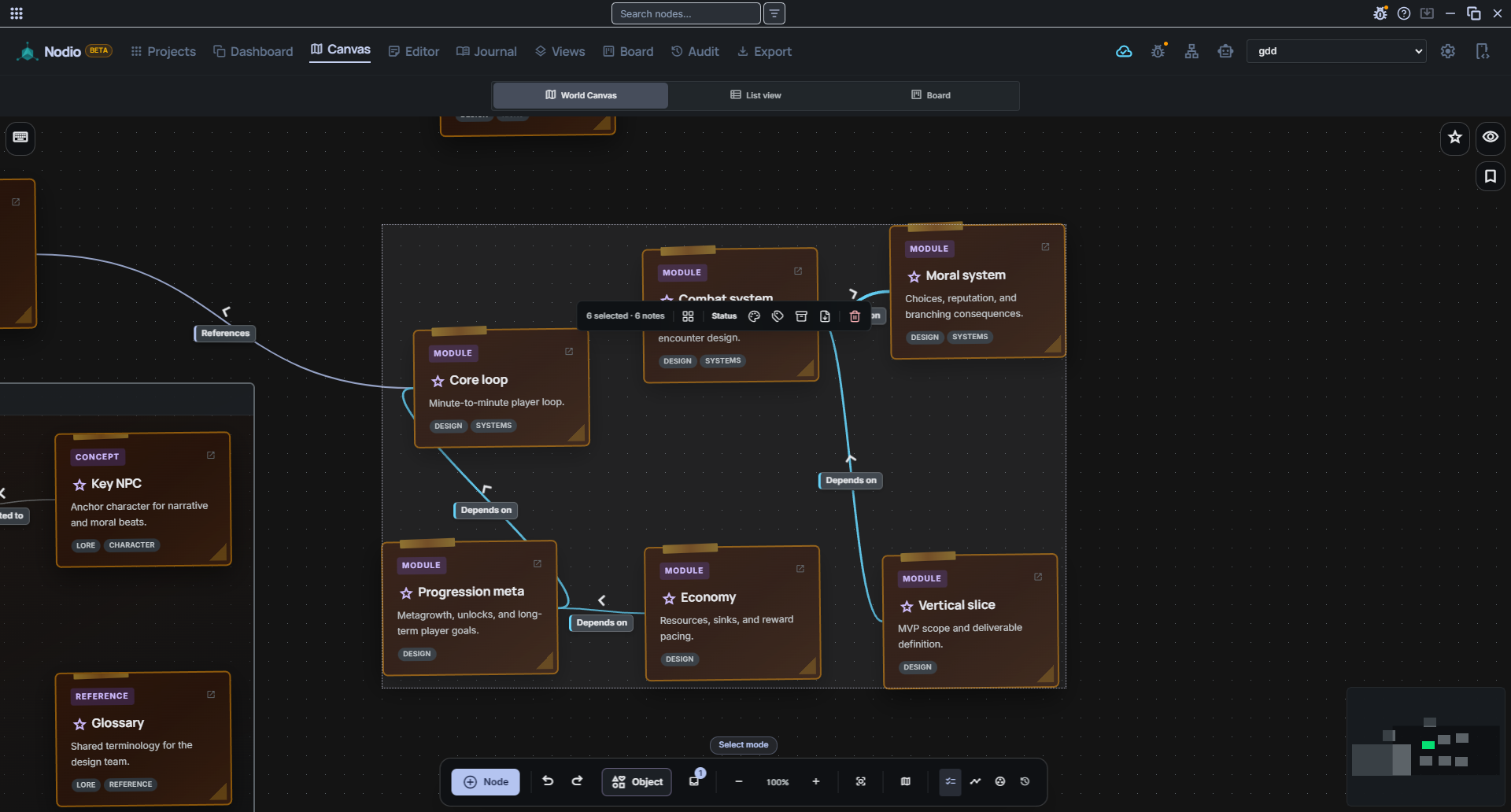
One canvas where your notes, plans, board, journal and AI assistant all live on the same nodes — so you stop rebuilding the same project across Notion, Obsidian, Trello and your slides. Local-first, one file, no account.
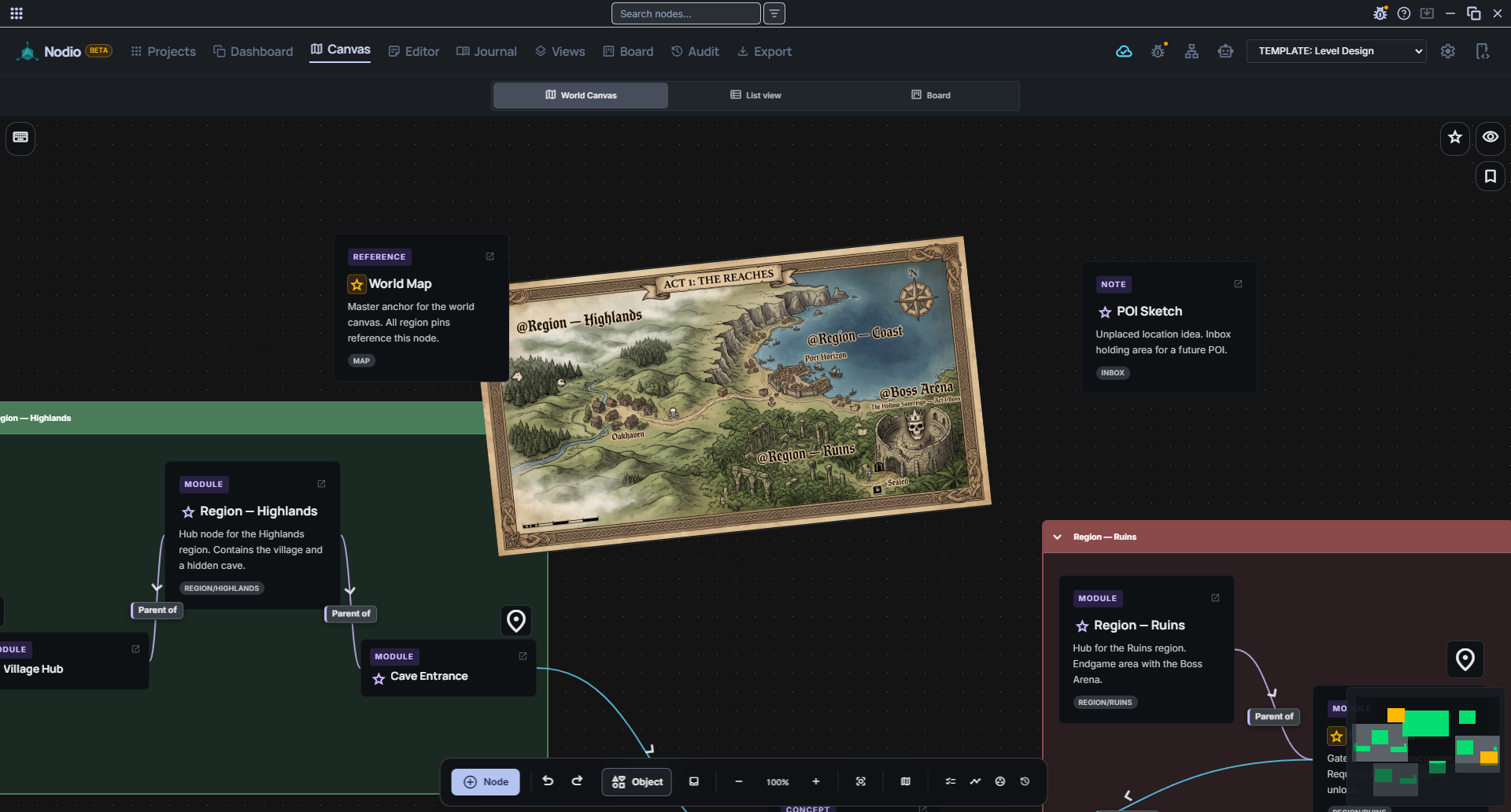
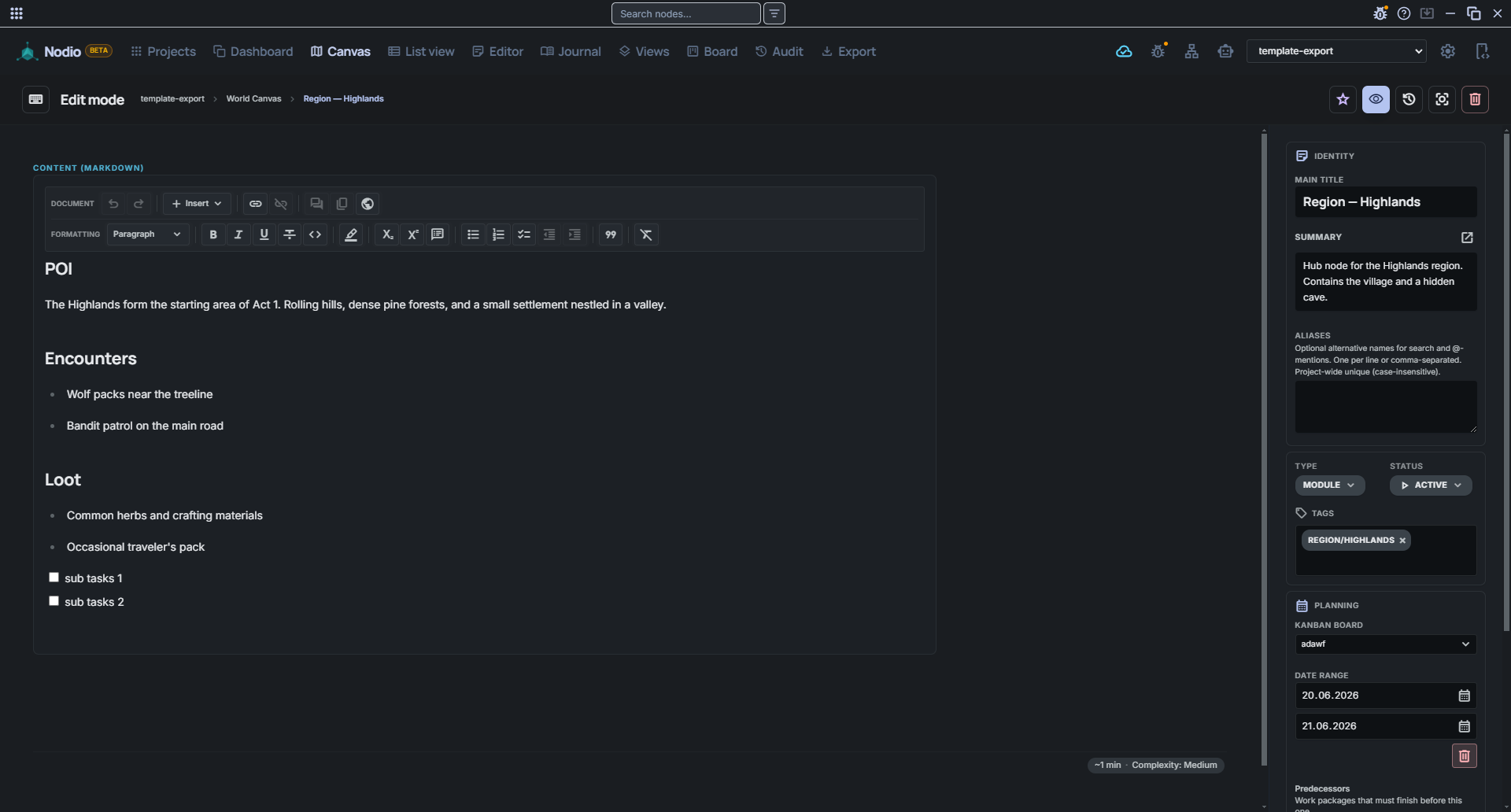
Most tools exact a kind of “integration tax”: you plan in one app, write in another, and present in a third. In the process, you have to repeatedly capture, organize, and link the same information. Nodio unites thinking, planning, and writing on a shared data foundation. All content is based on the same nodes and relationships, eliminating the need to constantly re-establish context.
01 · Canvas
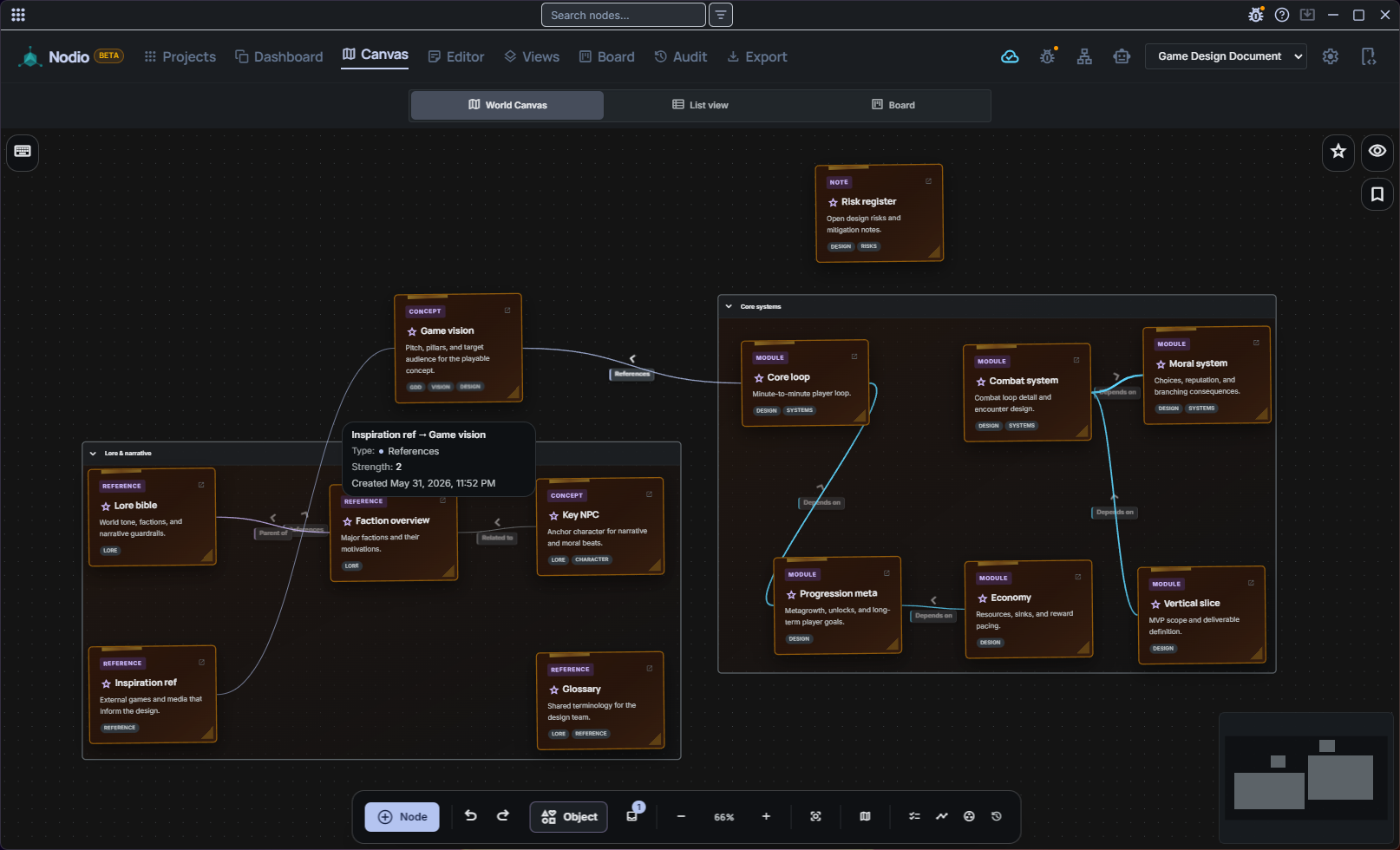
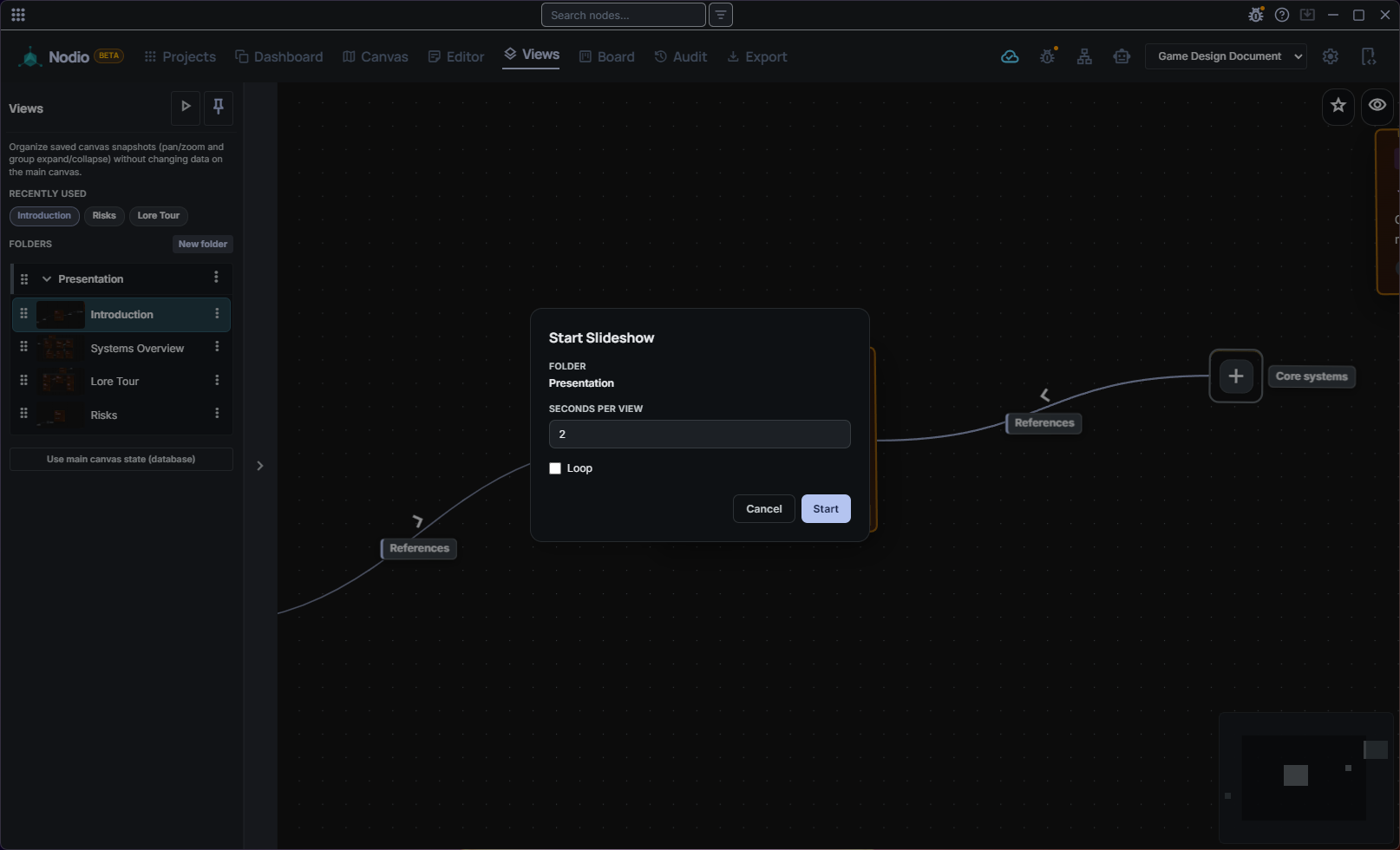
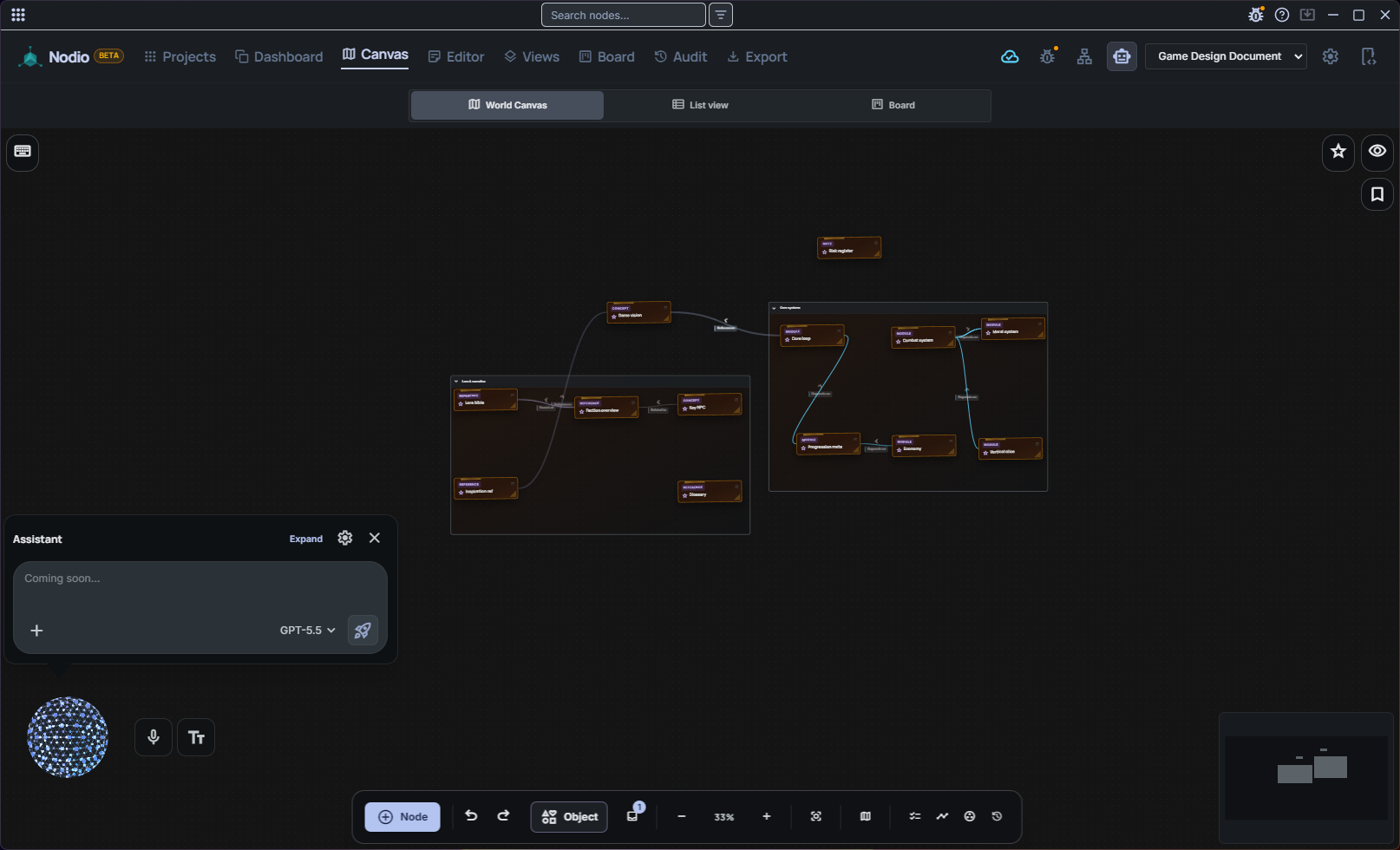
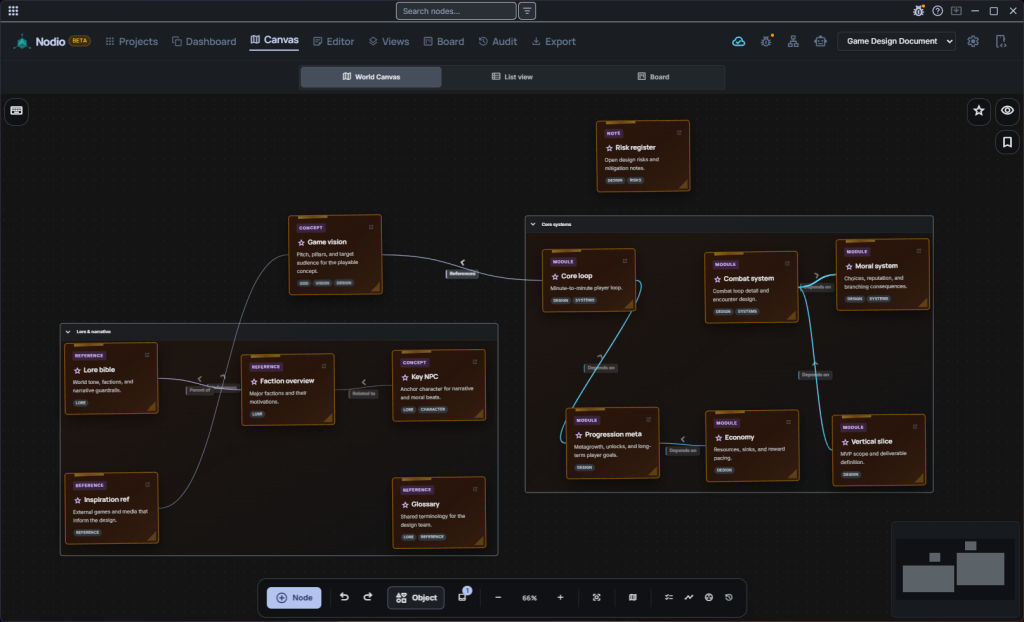
The world canvas is the primary view — not a hidden plugin. Drop notes as nodes, link them with typed, colored edges, nest them in groups, and walk the whole graph as a slideshow with camera fly-through.
Only Nodio combines a primary canvas, semantic edges, Views (built-in slides) and canvas time-lapse — Obsidian's canvas is secondary, Notion has none.
02 · AI & MCP-native
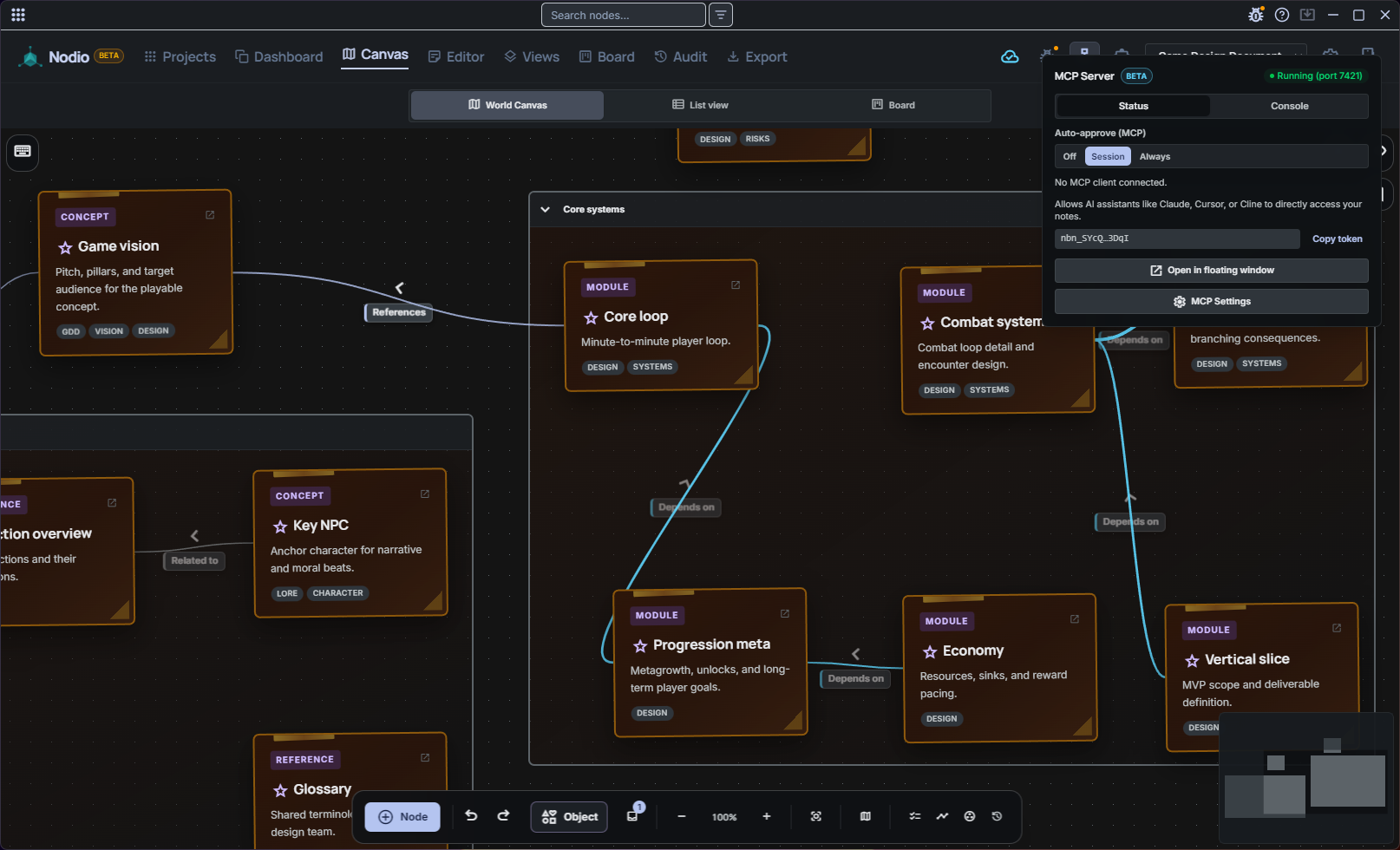
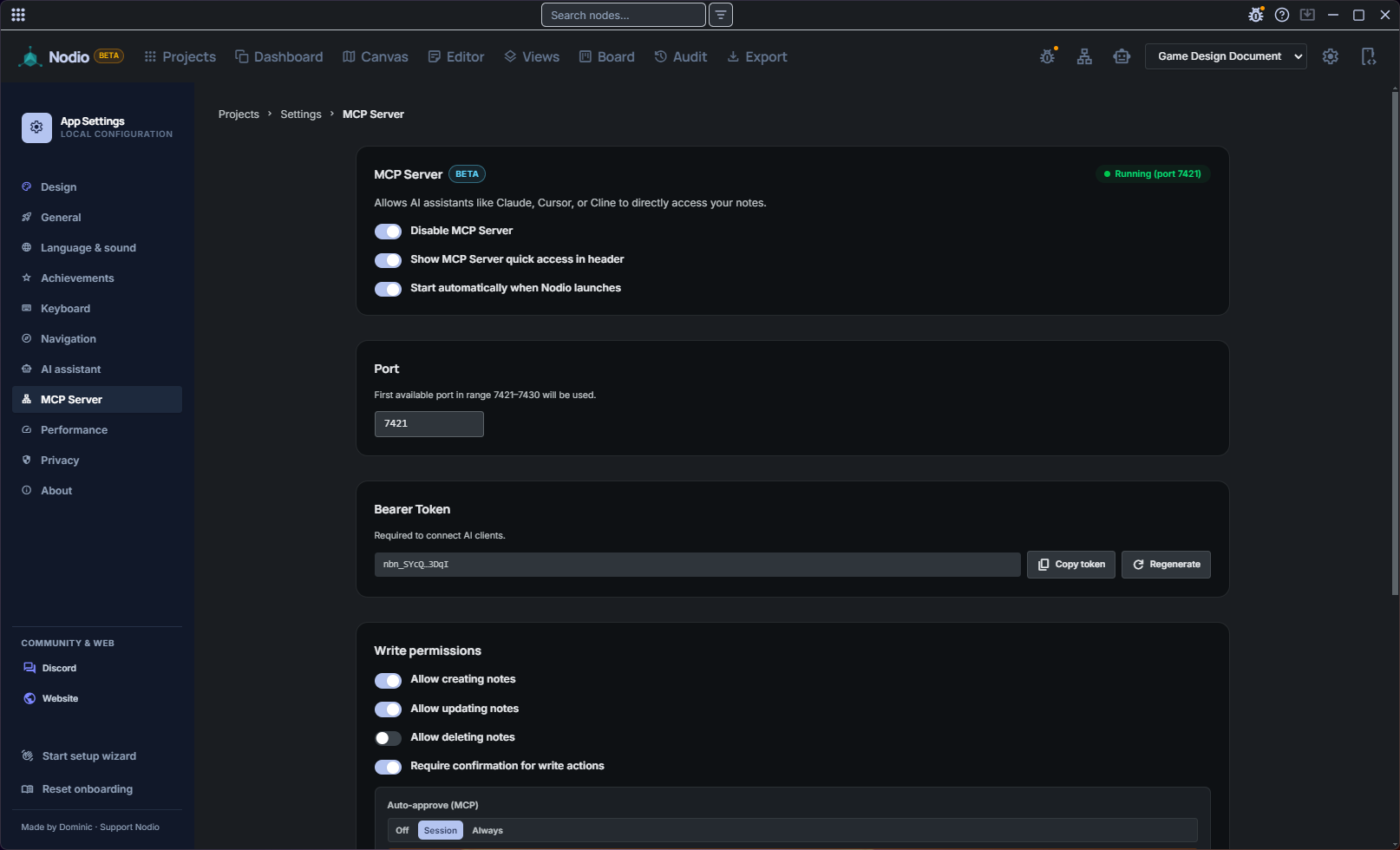
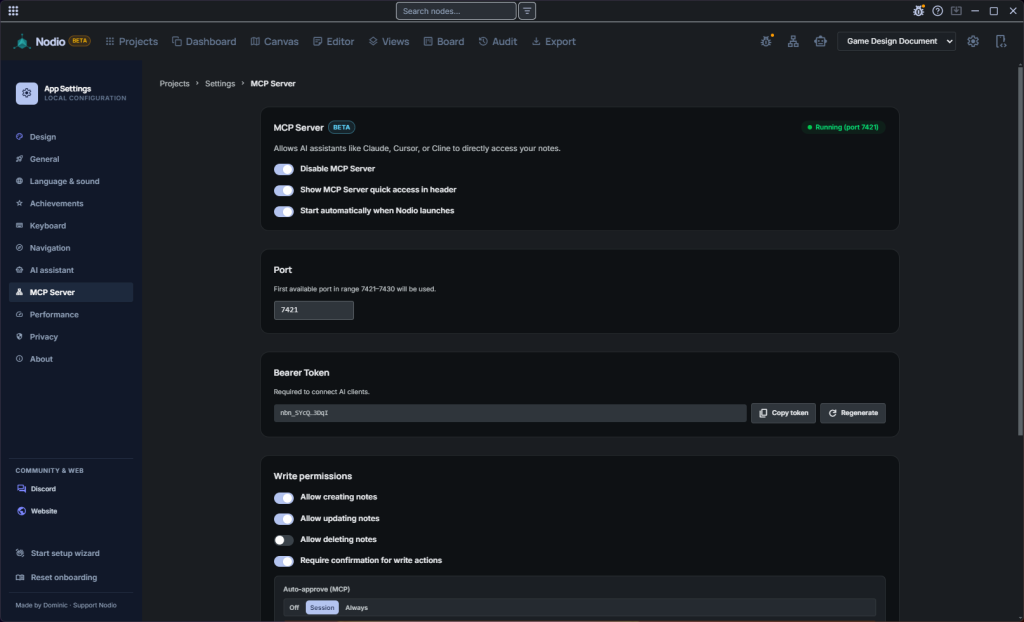
An embedded local MCP server exposes your knowledge graph to Cursor, Claude Desktop and Cline — no cloud proxy, no community bridge. 75+ tools that read and write your project, with bearer auth, permissions and sessions — plus a floating MCP panel with auto-accept modes and a live console.
Nodio's MCP server is built into the app and talks to your local graph directly — no cloud round-trip, no separate server to host, no community plugin to maintain.
03 · Local-first
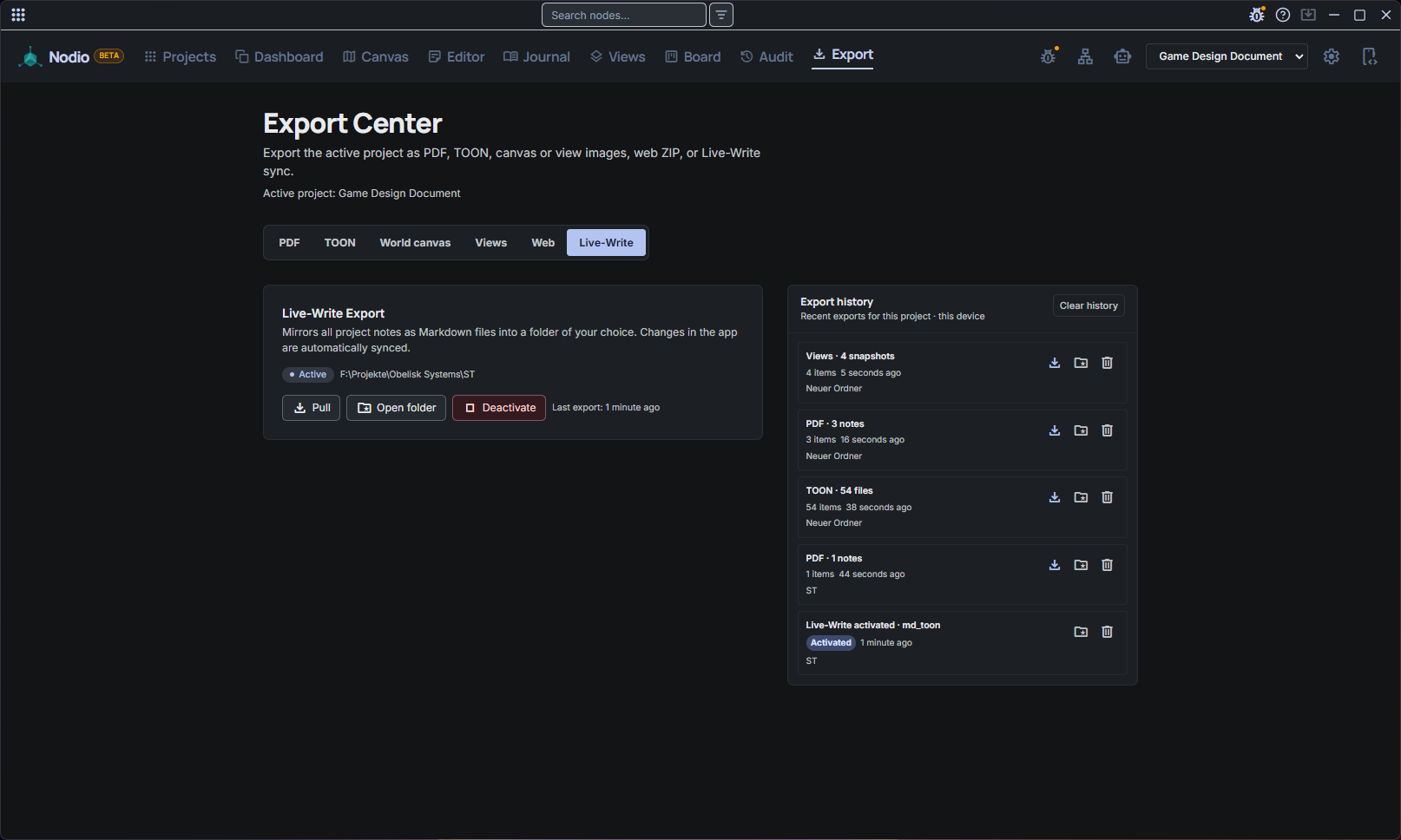
Every project is a single portable SQLite .db file — no account, no subscription. Automatic backups, and Live-Write continuously mirrors your notes to Markdown for Obsidian, VS Code or Cursor. Your data stays on your disk — nothing is sent anywhere unless you export it.
Matches the Obsidian/Logseq offline ethos — with single-file portability Obsidian lacks, and zero lock-in vs Notion or Heptabase.
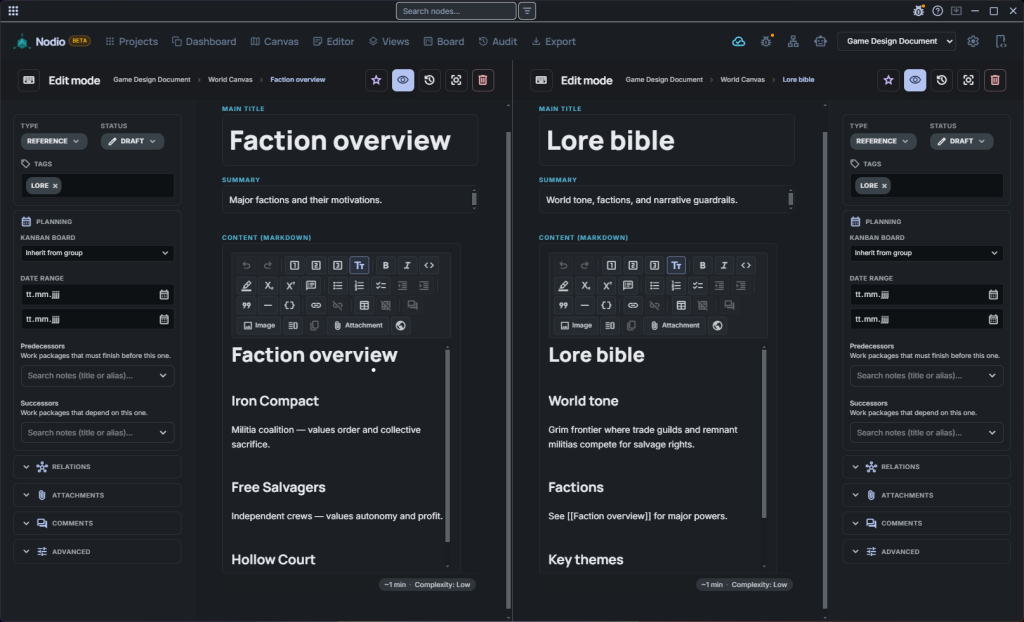
Pick a use case and Nodio opens with the right nodes, connection types and board already in place — from worldbuilding to sprint planning. With ready-made starting points.
Everything below works on the same nodes — no plugins, no power-ups, no second app.
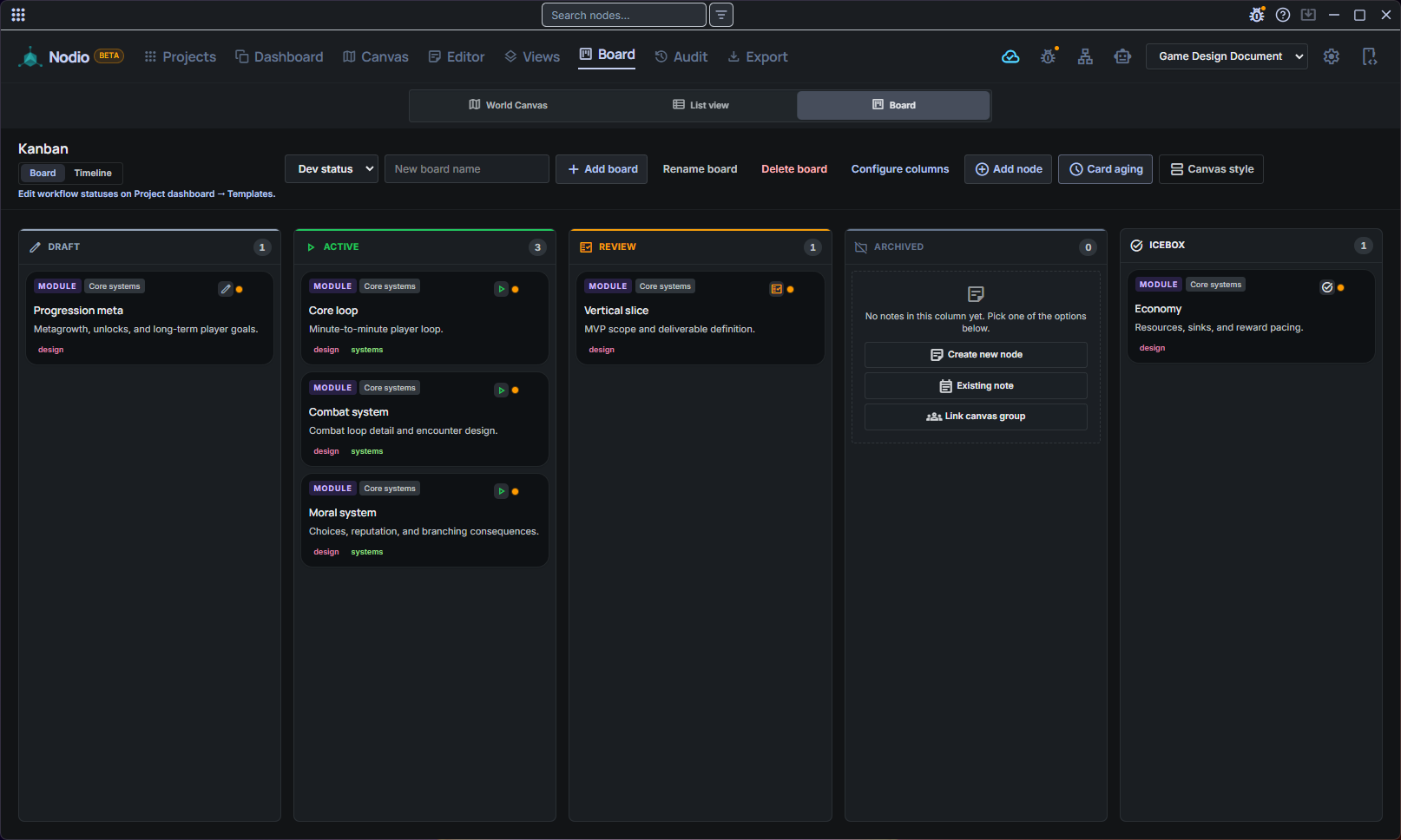
Cards are real notes. Bucket columns, WIP limits, card aging — plus a timeline with finish-to-start dependency arrows on the same nodes.
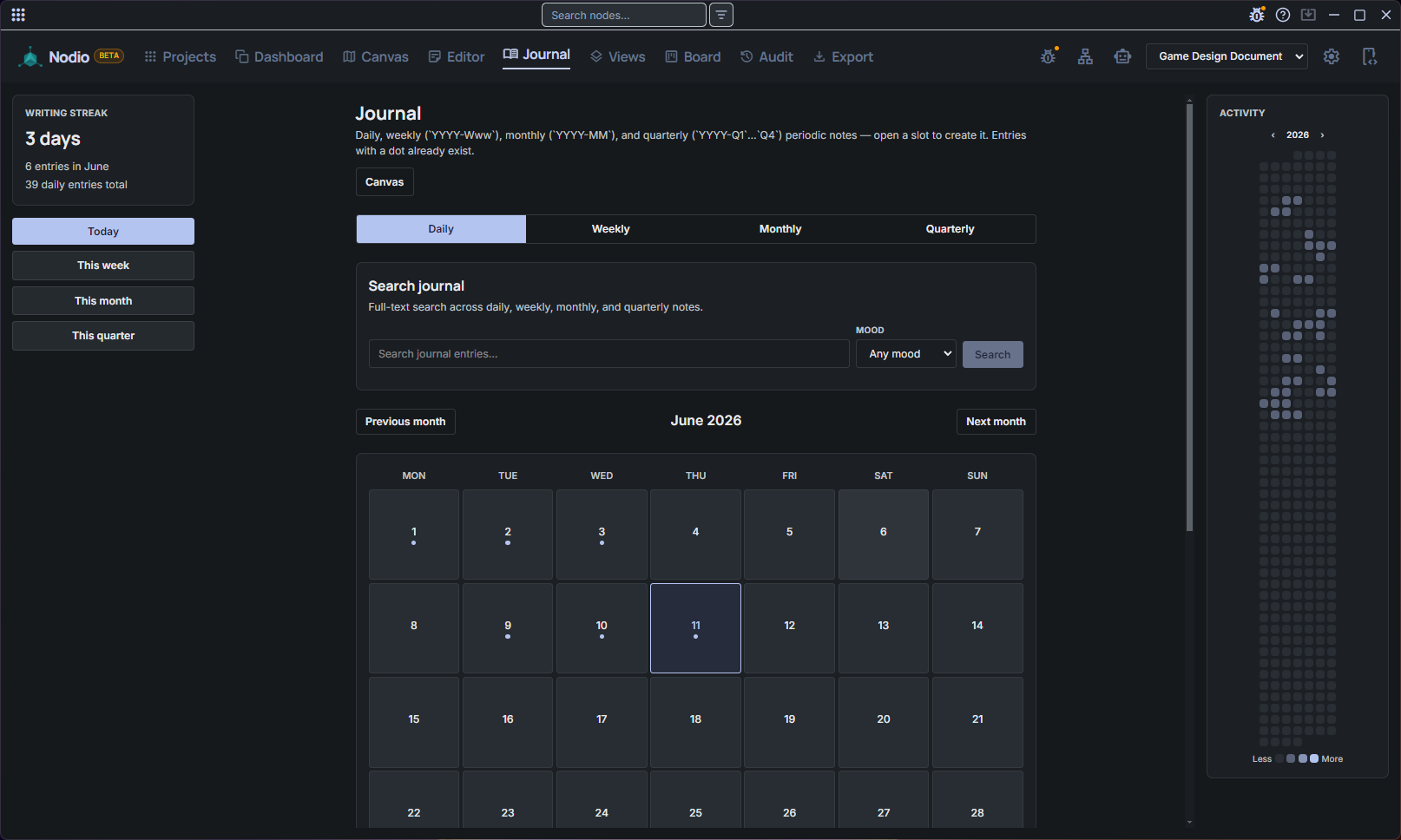
Daily, weekly, monthly & quarterly notes in one hub — with writing streak, year heatmap, mood tracking and word sprints.
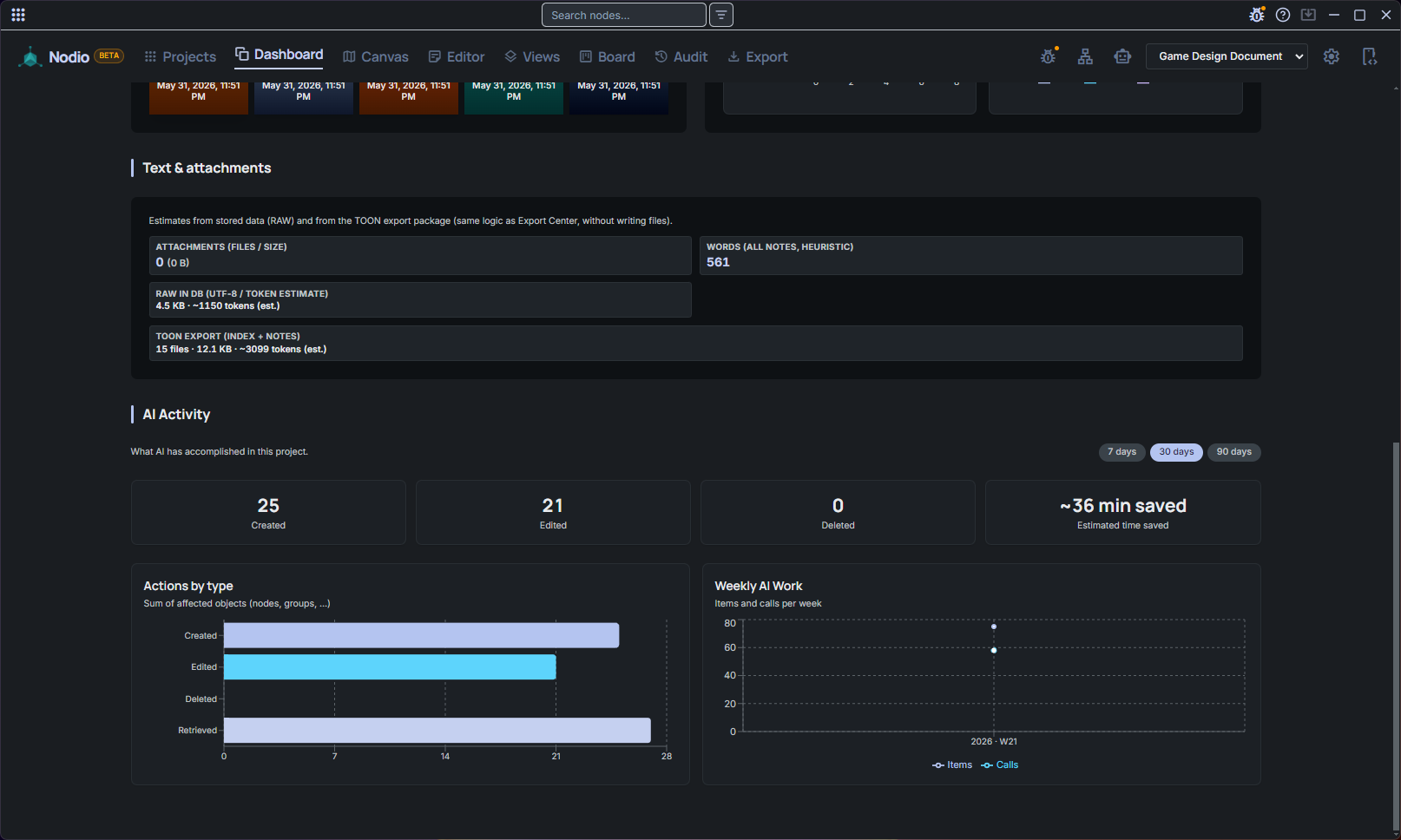
Local Ollama or your chosen cloud provider, 75+ tools, skills & threads — plus offline Whisper dictation straight into the focus orb.
Replay your audit history, scrub the timeline and export the whole evolution of a board as MP4.
Presentation layers with 16:9 previews and an auto-play tour — walk a graph live without exporting to slides.
Six paths: PDF, PNG, views, TOON for LLMs, Live-Write Markdown mirror, plus Obsidian vault import and export history.
You don’t need prior graph-tool experience. Nodio guides you from the first screen — pick a starting point and build along.
Download Nodio and start building a graph that actually thinks the way you do.